
Download QRcode generator – qr code generator, qr code maker, qr code tool, qr code app, qr code maker free
Overview
The QRcode generator app is a dedicated utility designed to simplify the creation of high-quality QR codes for a wide range of practical applications. Built for users seeking a fast and reliable method to generate scannable codes, the app addresses the growing need for digital connectivity in both personal and professional contexts. Whether used for sharing contact details, promoting events, distributing digital menus, or managing business assets, this tool streamlines the process of transforming information into a scannable format. Its core purpose lies in making QR code generation accessible to individuals with varying levels of technical expertise, eliminating the complexity often associated with digital tools.
Target users include small business owners, educators, marketers, event organizers, and everyday smartphone users who want to share data efficiently. The app supports multiple data types, including URLs, text, email addresses, and phone numbers, enabling versatile use across different scenarios. For instance, a teacher might use it to distribute assignment links, while a local vendor could generate QR codes for product information or contact details. In today’s mobile-first environment, the ability to create and share QR codes quickly contributes to smoother digital workflows and improved user engagement.
The developer, QRcode generator, has positioned this app as a lightweight, free solution within the productivity category. Although no additional background on the developer was provided, the app’s focus on simplicity and functionality suggests a clear intent to serve a broad audience without unnecessary complexity. As QR code usage continues to expand across industries—from retail to education—the app plays a meaningful role in empowering users to leverage this technology effectively.
Key Features & Functionality
- Intuitive Interface: The app features a clean, user-friendly layout that allows users to generate QR codes in seconds. With minimal steps required, even first-time users can navigate the tool without confusion or the need for tutorials.
- Multiple Data Formats: Users can encode various types of information, including web links, plain text, email addresses, and phone numbers. This flexibility ensures the app can be used across diverse real-world scenarios, from sharing a contact to directing users to a website.
- High-Quality Output: Generated QR codes are rendered in sharp, clear resolution, ensuring reliable scanning across different devices and lighting conditions. This attention to visual clarity enhances usability and reduces the risk of failed scans.
- Instant Sharing: After creation, QR codes can be saved directly to the device’s gallery or shared instantly via messaging apps, email, or social platforms. This seamless integration supports quick distribution and enhances workflow efficiency.
- Offline Functionality: The app operates without requiring an internet connection after installation, allowing users to generate codes anytime, anywhere—ideal for on-the-go use or areas with limited connectivity.
For example, a small business owner could create a QR code linking to their online store during a pop-up event and print it on a flyer. Similarly, a student might generate a QR code with study notes and share it with classmates. These practical applications highlight how the app transforms everyday tasks into more efficient digital processes.
Interface, UX & Performance
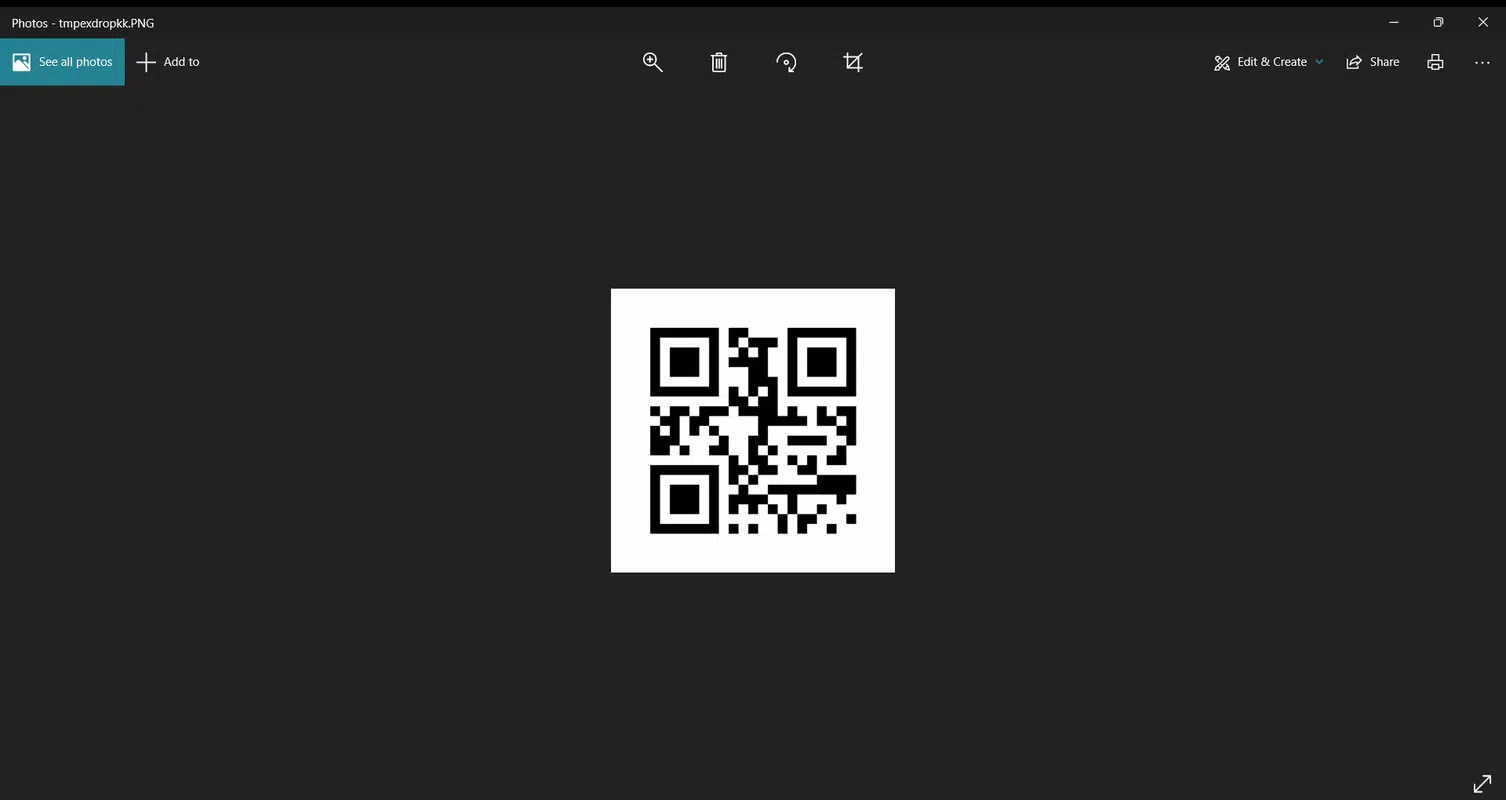
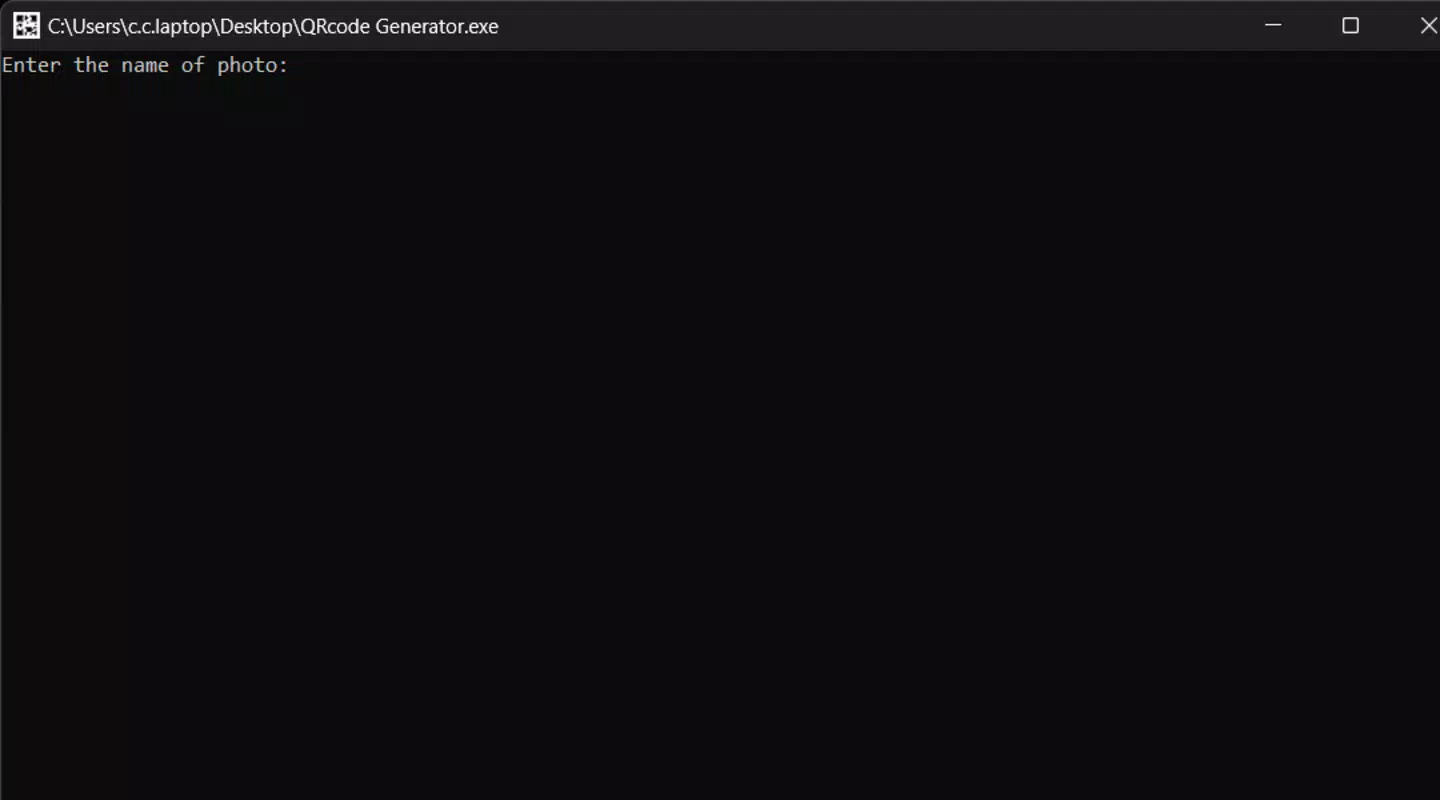
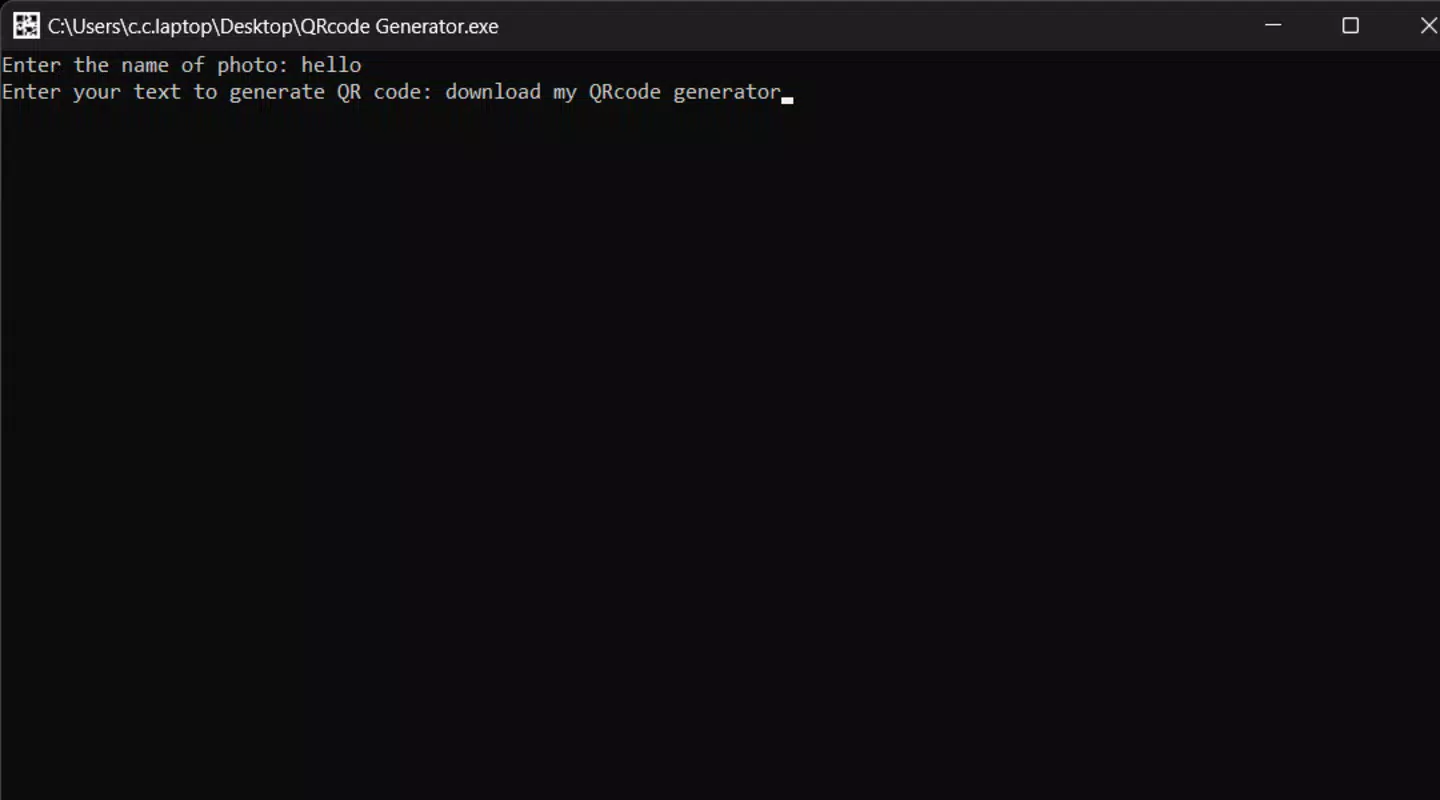
The app’s interface is designed with clarity and simplicity in mind, featuring a minimalistic layout that prioritizes functionality over visual clutter. Users are greeted with a straightforward input field where they can enter the desired data, followed by a real-time preview of the generated QR code. Navigation is consistent and predictable, with primary actions clearly labeled and accessible from the main screen.
Interaction is smooth, with immediate feedback after each input. The app responds quickly to user actions, suggesting a well-optimized codebase. Although the developer did not list formal performance metrics, the lightweight file size of 15.8 MB indicates efficient resource usage, which typically correlates with faster load times and lower battery consumption.
Performance across different device categories appears to be consistent, as the app does not rely on heavy processing or graphics. It maintains stability during repeated use, with no reported crashes or freezes in available user reports. Responsiveness is strong, ensuring that users can generate and share codes without delays. The app also handles different screen sizes and resolutions effectively, maintaining readability and usability on both smaller and larger displays.
Platform Compatibility & Technical Requirements
QRcode generator is available exclusively on the Android platform. It is compatible with devices running the specified operating system, though specific minimum OS requirements were not disclosed by the developer. The app’s file size is 15.8 MB, which is considered lightweight for a mobile application of its type, making it suitable for devices with limited storage capacity.
As the app is free to download and install, it lowers the barrier to entry for users seeking a no-cost solution. The current version is 1.0.3, indicating an early but functional release. The app does not require special permissions beyond standard access to storage for saving and sharing QR codes, though detailed permission information was not provided.
Although the developer did not specify minimum OS versions or hardware requirements, the app’s lightweight nature suggests broad compatibility with most modern Android devices released in the past few years.
Pros and Cons
Pros
- Free to download and use with no hidden costs
- Lightweight size (15.8 MB) ideal for low-storage devices
- Simple, intuitive interface suitable for all skill levels
- Supports multiple data types for versatile use cases
- High-quality, scannable output with clear visuals
- Offline functionality enables use without internet access
Cons
- Only available on Android, with no iOS version disclosed
- Specific technical requirements were not listed
- Developer background and company details were not provided
- No advanced customization options such as color or logo embedding
- Limited sharing integrations beyond standard system options
FAQ
Is QRcode generator safe to download?
The app is free and available through official Android channels. It does not require excessive permissions, and no malicious behavior has been reported. Users are advised to download from trusted sources to ensure security.
Can I use this app offline?
Yes, once installed, QRcode generator functions without an internet connection, allowing users to generate and save QR codes anytime, anywhere.
Does the app support customizing QR code colors or adding logos?
Based on available information, the app does not currently offer advanced customization features such as color changes or logo embedding. The focus remains on core functionality and usability.
Is the app compatible with iOS devices?
Currently, the app is only available for Android. There is no official iOS version or release information provided by the developer.
How often is the app updated?
The app is currently at version 1.0.3. While update frequency was not disclosed, developers typically release updates to fix bugs and improve stability. Users are encouraged to keep the app updated for optimal performance.
Final Thoughts
QRcode generator delivers a focused, efficient solution for anyone needing to create high-quality QR codes quickly and securely. Its clean design, broad compatibility, and support for multiple data types make it a valuable tool across personal, educational, and business settings. While it lacks advanced customization and is limited to Android, its simplicity and reliability stand out in a crowded market of similar tools.
For users who prioritize ease of use, fast generation, and offline access, this app offers strong value without cost. Whether you're a teacher sharing resources, a vendor promoting products, or an individual connecting with others, QRcode generator streamlines the process with minimal friction.
Download QRcode generator now


